
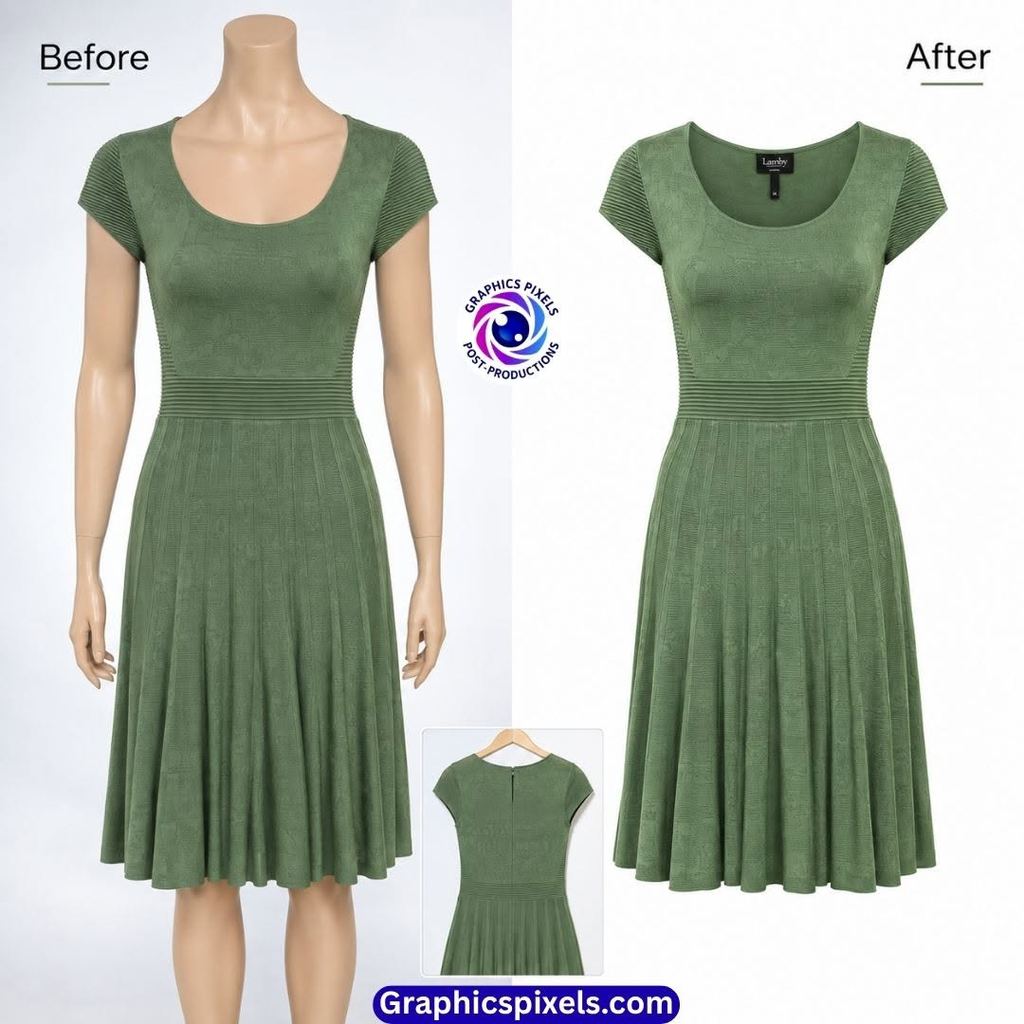
On Amazon, your images decide whether a listing goes live, gets clicks, and converts. A single non-compliant main image can get a listing suppressed. This guide covers the main requirements for clothing sellers and how to prepare images that pass. Amazon updates its rules periodically and they differ by marketplace and category, so always confirm against Seller Central before uploading.
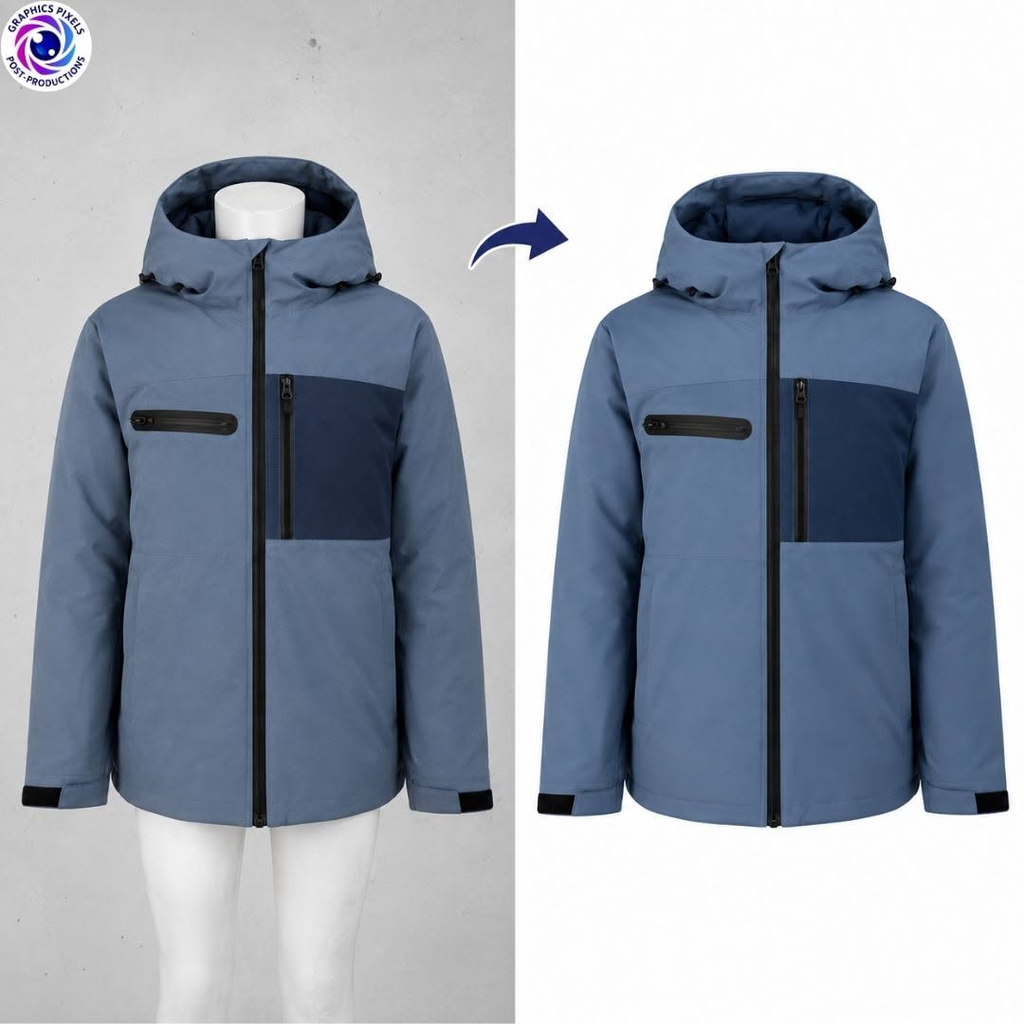
Main Image Rules
The main image is the first photo shoppers see in search results, so it is the strictest.
- Pure white background. Amazon asks for pure white (RGB 255, 255, 255 / #FFFFFF). Off-white, grey, or tinted backgrounds are a common reason for suppression.
- Product only. No text, logos, watermarks, badges, borders, props, or inset images.
- Product fills most of the frame. Amazon guidance and third-party guides commonly cite roughly 80–85% of the image area.
- One product view. The main image should not show multiple positions of the same item (multi-packs are the exception).
- Whole garment visible, clear, in focus, and accurately colored.
- No sketches or illustrations in place of photos.
Model, Flat, or Mannequin?
This is where apparel differs from other categories, and where many sellers get confused.
- Amazon’s clothing guidance generally expects adult men’s and women’s apparel main images to show the product on a model, while some categories (such as childrenswear, accessories, and multi-packs) can follow different presentation rules, often flat or off-model.
- Mannequin and ghost mannequin images are treated differently across categories and sources, and the rules have changed over time. Do not assume they are accepted for your category’s main image.
- Intimate apparel and swimwear have extra rules about angles and coverage.
Practical advice: check the current “Image guidelines for clothing” and image style guide for your exact category and marketplace. If ghost mannequin is not allowed for your main image, it is still very useful for secondary images, your own store, and other marketplaces.
Technical Specs
- Minimum size: at least 1,000 pixels on the longest side to enable zoom. Many sellers upload larger files (for example 2,000 px) for sharper zoom.
- Format: JPEG is the safest choice. Avoid PNGs with transparency for the main image.
- Color mode: RGB.
- File naming: clean, simple names without special characters.
- Number of images: Amazon allows a main image plus several alternates. Use as many slots as are useful.
Variations
If your listing has color or size variations:
- Each child SKU (for example each color) needs its own main image that matches that color exactly.
- The parent listing also needs a main image.
- Swatch images should reflect the true fabric color.
Secondary Images: Where You Have More Freedom
Once the main image is compliant, secondary images are your chance to answer buyer questions:
- Back and side views
- Detail shots: fabric texture, stitching, collar, cuffs, pockets, zips, buttons
- Inside view: lining, label, or the inside neck
- Size chart or fit guide (check that text rules for secondary images are followed)
- Lifestyle or on-model images showing how it looks worn
- Ghost mannequin images to show shape and structure, where allowed
Common Mistakes That Cause Suppression
- Background not pure white. Shadows, gradients, or slight tints.
- Text, logos, or watermarks on the main image.
- Image too small, under the minimum size.
- Product too small in the frame.
- Wrong presentation type for the category, such as a mannequin or flat lay when a model is required.
- Color mismatch. The edited image does not match the real product, which also drives returns.
- Rough cutouts. Halos or jagged edges against the white background.
- Multiple products or views in a single main image.
- Over-retouching that changes the product’s real look. Edits must not misrepresent the item.
How to Prepare Compliant Images
- Shoot with soft, even light and a clean background.
- Remove the background precisely and place the product on pure white.
- Check that the product fills the frame appropriately.
- Correct color against the real garment.
- Remove dust, wrinkles, and distractions without changing the product.
- Export at the correct size and format.
- Check each image at 100% zoom before uploading.
Clean cutouts matter a lot here, because Amazon’s automated checks look closely at the background and edges. A professional clipping path service or background removal service can handle this in bulk, and our ghost mannequin service can prepare secondary images and images for other sales channels. You can start with a free trial of a few images.
Quick Compliance Checklist
- Pure white background (255, 255, 255)
- Product fills most of the frame
- At least 1,000 px on the longest side
- No text, logos, watermarks, or props
- Correct presentation for your category (model, flat, or other)
- Accurate color
- Clean, smooth edges
- Matching main image for every color variation
- Secondary images show details, back view, and fit
FAQ
Does Amazon allow ghost mannequin images?
It depends on the category, marketplace, and image slot, and the guidance has varied. Check Seller Central’s current clothing image guidelines. Ghost mannequin is widely used for secondary images and other platforms.
What background does Amazon require for the main image?
Pure white, RGB 255, 255, 255.
What size should Amazon clothing images be?
At least 1,000 pixels on the longest side for zoom. Larger files are often used for better quality.
Why was my listing suppressed for image reasons?
Common causes are a non-white background, text or logos on the main image, small image size, a product that is too small in the frame, or the wrong presentation for the category.
Do I need a different image for each color?
Yes. Each color variation should have its own main image showing that exact color.