Generative AI tools like Midjourney are a game changer in visual content creation, allowing brand managers and creators to generate amazing conceptual imagery in seconds. But generative AI often fails to meet the rigorous technical requirements for commercial e-commerce, print media and marketplace product listings.
The Midjourney vs Professional Photoshop Retouching question is not about what is better but when to use what in your creative and production workflows.
Midjourney vs. Photoshop Retouching: When to Use Each?
answer: Use Midjourney for early-stage concepts, mood boards, background ideas, and fast creative prototyping. Get professional Photoshop Retouching for 100% real world product accuracy, perfect colour matching, Amazon compliant pure-white backgrounds, pixel-perfect clipping paths and error-free brand logos.
What can you do with Midjourney?
Midjourney is excellent for creating new images from text prompts. It’s a great tool for creative direction and for generating assets early on.
Major strengths:
- Speed & Volume: Produce 4 individual visual concepts in under a minute.
- Ideation Concepts: Great for campaign themes, seasonal looks and lifestyle backdrops for prototypes.
- Cost Effectiveness for Prototyping: Significantly reduces the costs associated with creative direction in the pre-physical shoot stage.
- Intricate Scene Creation: Expensive / fantasy / surreal backgrounds that would be difficult or expensive to film.
Primary Constraints:
- Product Inaccuracy: Unable to reproduce an existing physical product with the same stitching, seams or dimensions.
- Text & Logo Hallucinations: Garbles brand logos, labels, and typography.
- Anatomical Glitches: Usually leads to misshapen fingers, bent joints and weird skin textures.
- No direct control: Not easy to edit a single specific pixel or element without impacting the whole image.
What is Professional Photoshop Retouching Best For?
Photoshop retouching involves the use of human skill to edit, restore and tweak real photos or 3D assets to exact commercial requirements.
Key Strengths:
- Full control over all layers, vector paths and adjustment curves.
- Pixel Perfect Control & 100% Brand Accuracy: Faithful to the real proportions, colour swatches, logos and textures of the product.
- Marketplace Compliance: Main listing images comply with Amazon, eBay and Shopify guidelines (e.g. pure white #FFFFFF backgrounds).
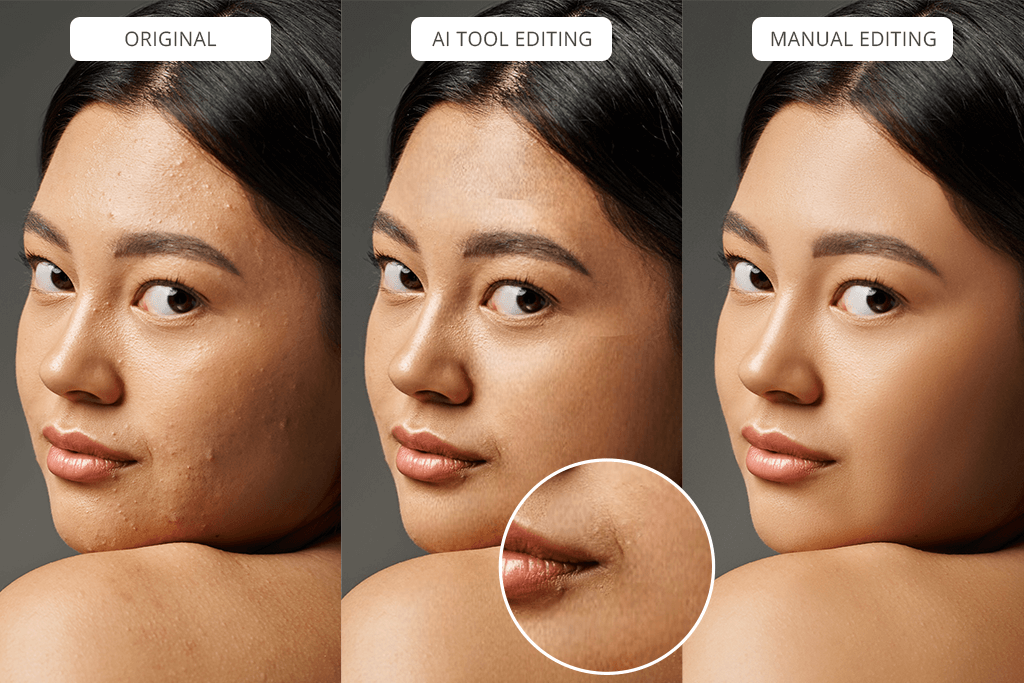
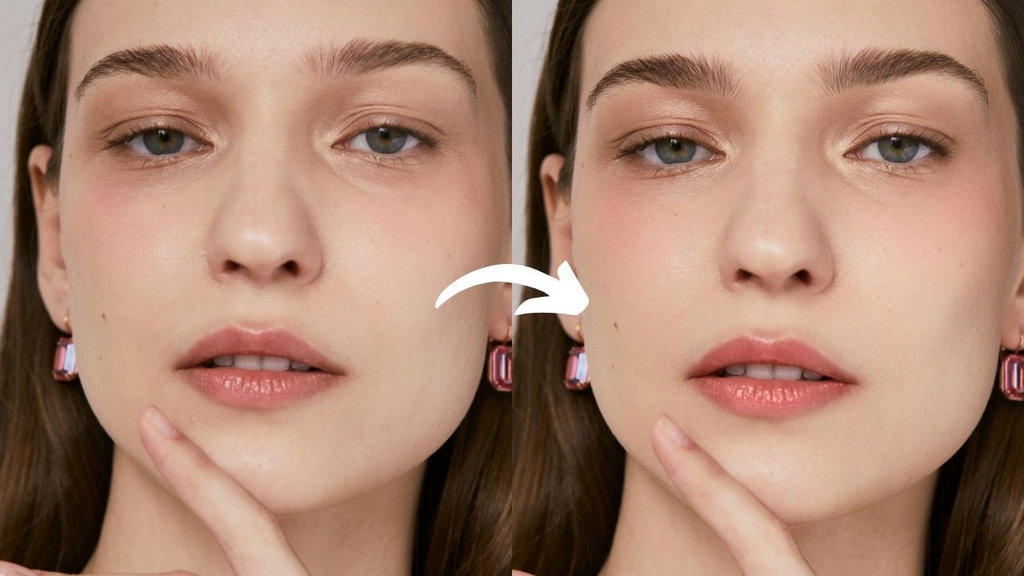
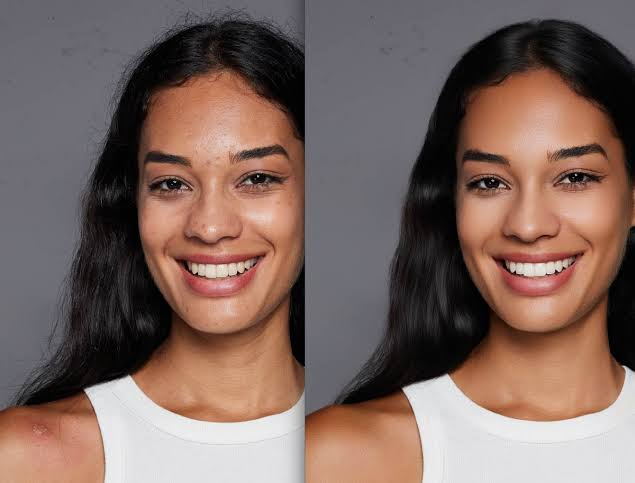
- Anatomical & Artefact Fix: Corrects complicated image problems such as the ghost mannequin neck join, flyaway hair, skin imperfections, and wobbly AI geometry.
Main Limitations:
- Skill and Time Required: Professional manual editing needs skilled photo retouchers and time.
- More Labour Cost: More money spent per image or project vs automated prompt output.
Midjourney vs Photoshop Retouching: Side-by-Side Comparison
| Feature / Metric | Midjourney (Generative AI) | Professional Photoshop Retouching |
| Use Case #1: | Mood boards, concept backgrounds, ideation | Marketplace listings, final commercial product photography |
| Precision of Product | Low (makes up imaginary close guesses) | 100% Brand Accurate & Photorealistic |
| Text & Logo Processing | Letters / Hallucinated / Distorted 1962 | Vector exact sharp typography and logo placement |
| Background management | AI-generated environmet (usually off-white) | Custom composite Clear or Pure white (#FFFFFF) |
| Anatomical Accuracy | Extra fingers & plastic skin prone | True skin texture, anatomically correct hands/body |
| Speed | 30-60 seconds per render | 1-24 hours (depending on complexity) |
The Hybrid Approach: AI Meets Photoshop for Ultimate ROI
The best e-commerce brands don’t choose between the two, they combine them into the most seamless, highly efficient workflow:
- Step 1 (Ideation with Midjourney): Create high-end lifestyle backgrounds, studio lighting setups or scene concepts using Midjourney.
- Step 2 (Photoshop Compositing): Cut out your real product using a hand-drawn Clipping Path Service and composite it on the Midjourney background.
- Step 3 (AI Artefact Clean-up): Use AI Image Retouching Services to remove AI background glitches, correct reflections and overlay sharp vector branding.
Looking for AI & Product Photo Editing for Commercial Use?
Some raw Midjourney images need cleaning up? Are you prepared for your webshop studio photos? Graphics Pixels is a high converting retouching solution hand made.
We are expert in Ghost Mannequin Editing, Image Masking and AI Image Artefact Fixing with guarantyd 24 hours turnaround. 👉 Try it now, free quality! Complete your 1 Hour Free Trial project today!